
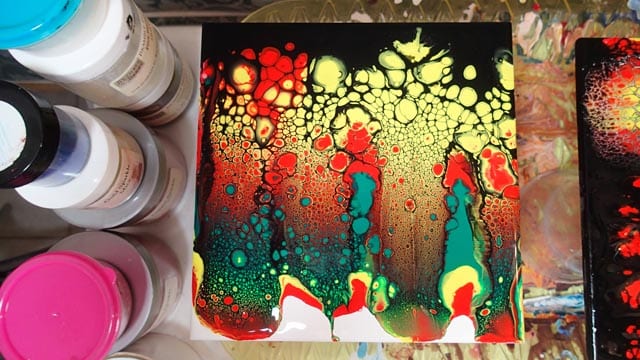
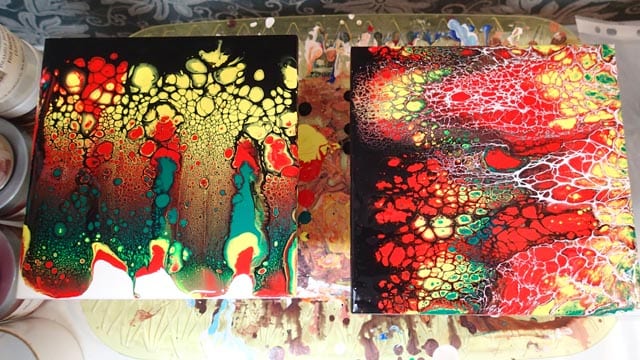
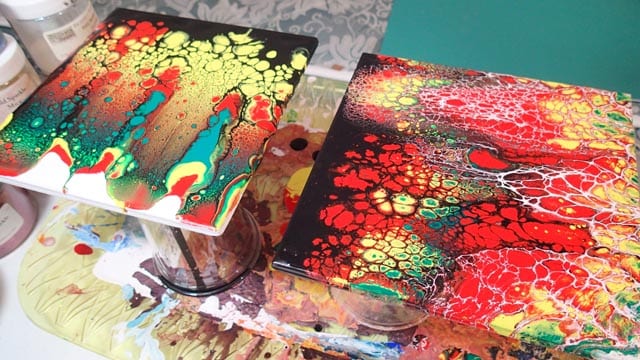
I treated myself to a few new colors and was keen to try them out. In fact I was so keen that although I turned on the video camera, I just got to work and made a painting and didn’t take the time to actually tell you anything. So this video has music for a change. Turn down the volume if that bothers you. I made two slightly different tiles, although I only took a video of one of them.
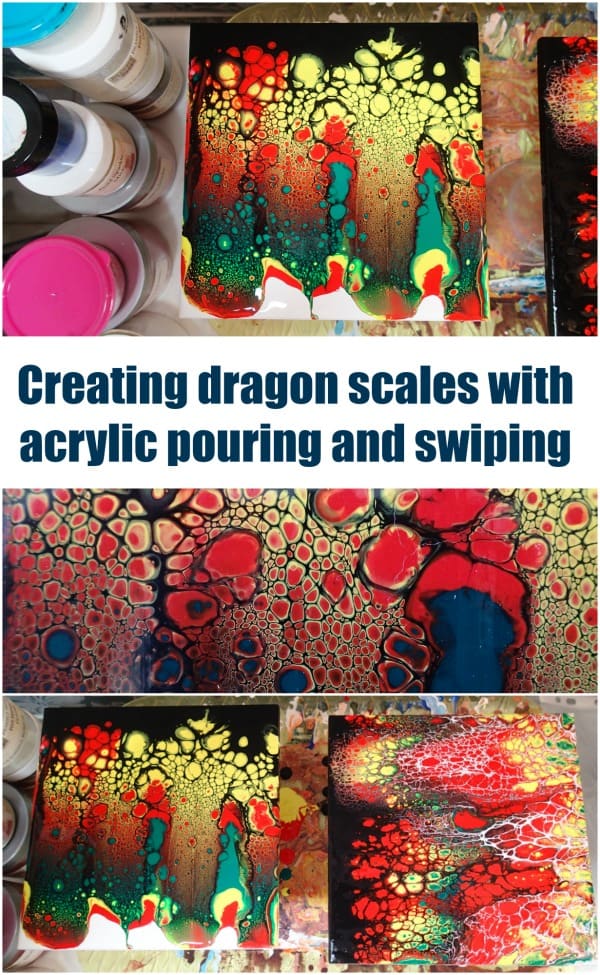
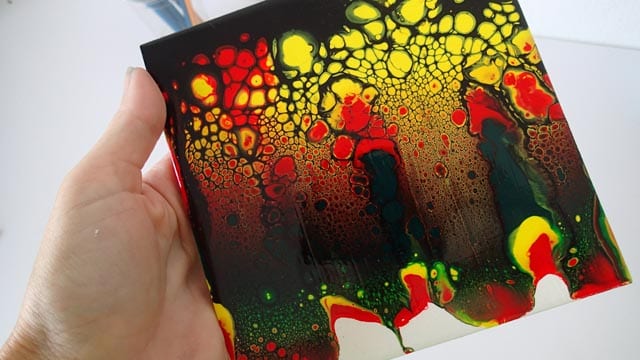
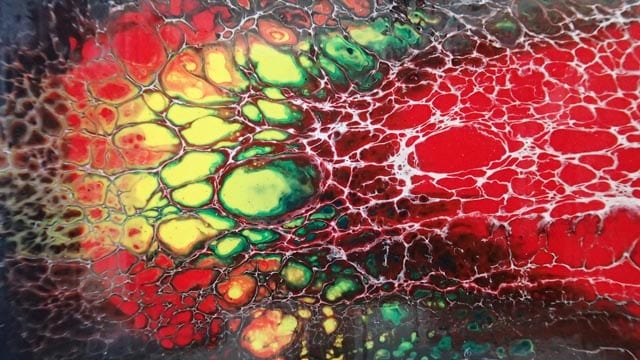
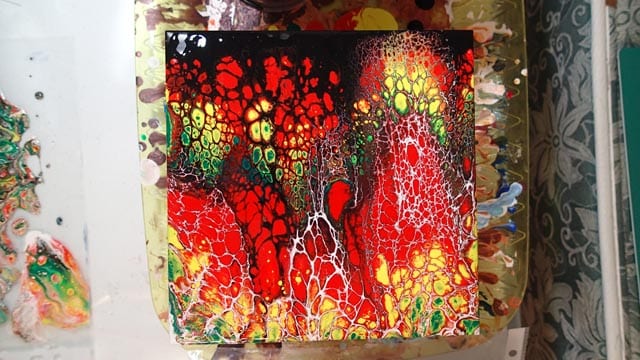
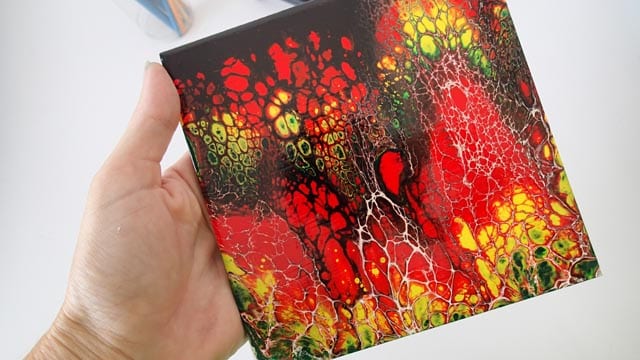
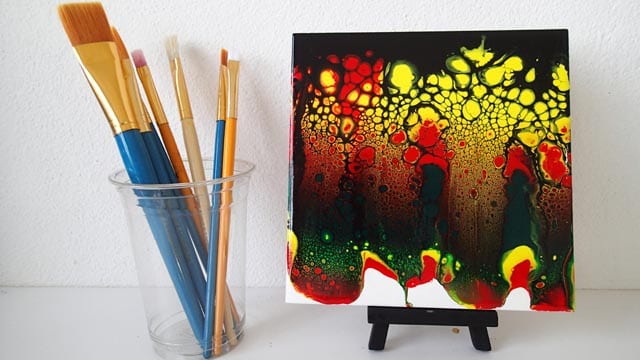
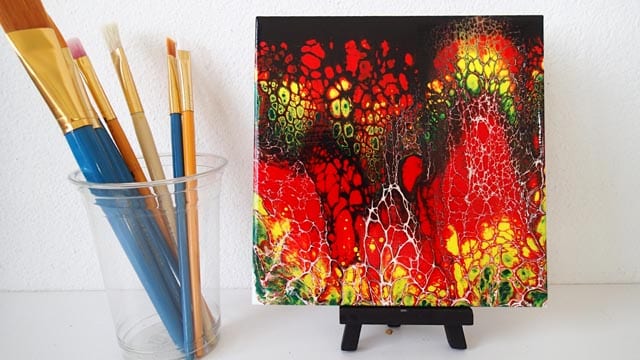
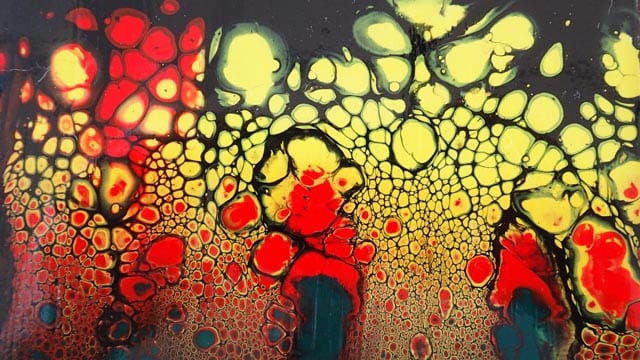
These were created with Lemon Yellow, Warm Red and Emerald Green. Plus some black and white for swiping. These gave quite a striking effect! In the one in the video I did do the double swipe. First with black and then with white. But in the one I don’t have the video for, I just swiped with black and liked the effect so much that I filled in the bottom with white and didn’t swipe back the other way.
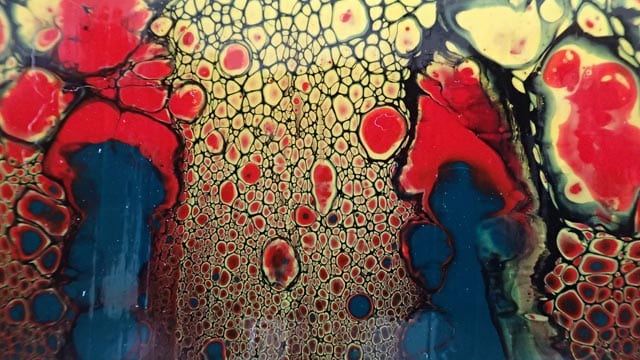
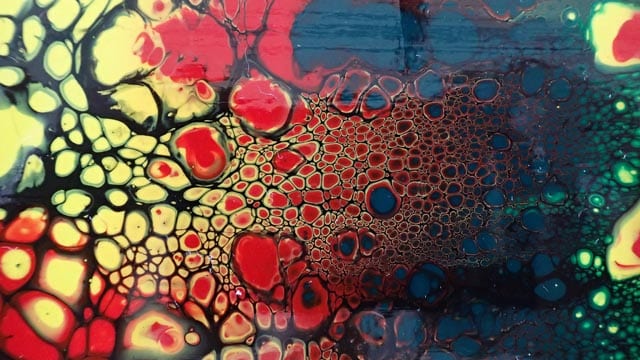
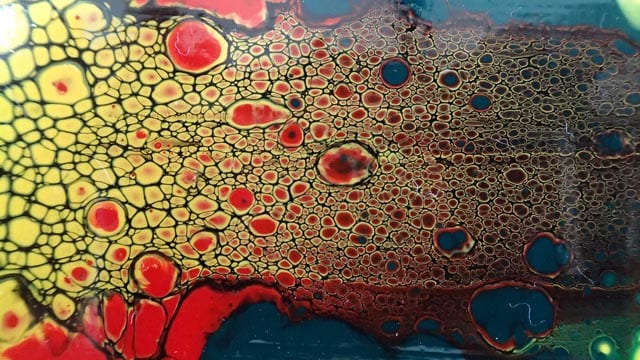
I love how the cells transition from large near the top of the swipe to smaller and smaller and eventually teeny tiny but still beautifully detailed at the bottom. As usual, check out the slideshow below for more images, both wet and dry, and close-ups of the details.

After being told in high school that she was so bad at art that she should switch to another subject, Deby didn’t paint again for 35 years. Then a stroke released a new wave of creativity and she began exploring with dot painting, abstract and eventually acrylic pouring, and at last the joy of working with color returned. You don’t need ‘talent’ to be an acrylic pouring artist – just enthusiasm, some basic instruction, and a willingness to try, fail and try again. Paint along with her and learn from her many mistakes, and you’ll soon make great art together.